
CMS ที่อยู่ ในแอปของคุณ
กำหนดเนื้อหาด้วย TypeScript ได้หน้า admin, API ที่มี type และ plugin โดยไม่ต้องดูแล server แยก
npx create-easy-cms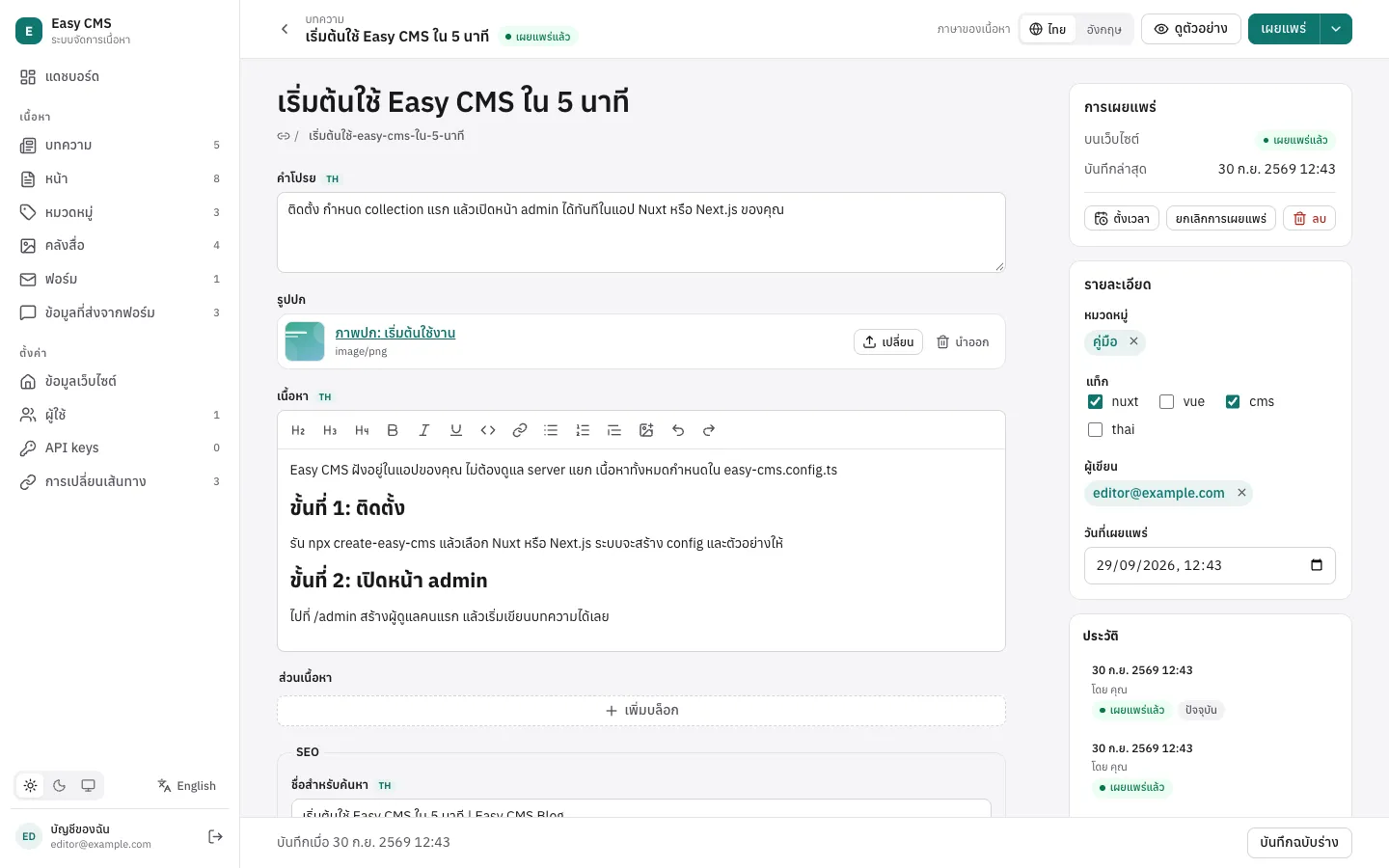
ครบทุกอย่างที่ทีมเนื้อหาต้องใช้
มีมาในตัว ไม่ต้องซื้อส่วนเสริม ไม่ต้องดูแลบริการที่สอง
ออกแบบเนื้อหา
Field และ blocks
field 15 ประเภท รวม group, array และ blocks ให้บรรณาธิการจัดหน้าเองได้
Rich text
editor แบบ Tiptap ใส่รูปจากคลังสื่อได้ และแปลงเป็น HTML ที่ปลอดภัย
คลังสื่อ
อัปโหลดพร้อมย่อรูปอัตโนมัติ เก็บบนดิสก์ หรือ S3, Cloudflare R2 และ MinIO
ทำงานเป็นทีม
ฉบับร่างและเวอร์ชัน
บันทึกร่างโดยหน้าเว็บที่เผยแพร่ยังอยู่ และย้อนกลับไปเวอร์ชันไหนก็ได้
ตั้งเวลาเผยแพร่
เผยแพร่และยกเลิกตามเวลาที่ตั้ง ใช้ cron หรือตัวจับเวลาในตัว
ตัวอย่างสด
เห็นการแก้ที่ยังไม่บันทึกบนหน้าเว็บจริง คู่กับฟอร์ม
ขึ้นระบบจริง
Nuxt, Next.js หรือ standalone
เป็น Nuxt module, route handler ของ Next.js หรือ server ของตัวเองสำหรับ frontend ใดก็ได้
SQLite หรือ Postgres
เริ่มจากไฟล์ แล้ว deploy บน Postgres migration สร้างจาก config ให้
ภาษาไทยและอังกฤษ
หน้า admin สองภาษา และเนื้อหาได้หลายภาษาตามต้องการ
เชื่อมต่อ
API keys
key สำหรับสคริปต์ แอปอื่น และผู้ช่วย AI จำกัดเฉพาะ collection ที่ต้องใช้
Webhooks
event ที่ลงลายเซ็นเมื่อเผยแพร่หรือแก้ไข ส่งซ้ำได้นานหนึ่งวัน ใช้ build เว็บ static ใหม่
อีเมล
ผ่าน SMTP หรือ adapter ของคุณเอง มีคิวและส่งซ้ำ ใช้กับฟอร์มและ hook ของคุณ
จาก config ถึงเนื้อหาใน 3 ขั้น
อธิบายเนื้อหา
collection และ field ในไฟล์ TypeScript ไฟล์เดียว type สร้างจากไฟล์นี้
import { defineConfig } from '@easy-cms/core'
import { sqlite } from '@easy-cms/db-sqlite'

export default defineConfig({
  secret: process.env.EASY_CMS_SECRET,
  db: sqlite({ url: 'file:./cms.db' }),
  collections: [
    {
      slug: 'posts',
      drafts: true,
      fields: [
        { name: 'title', type: 'text', required: true },
        { name: 'slug', type: 'slug', from: 'title' },
        { name: 'body', type: 'richText' },
      ],
    },
  ],
})เปิดหน้า admin
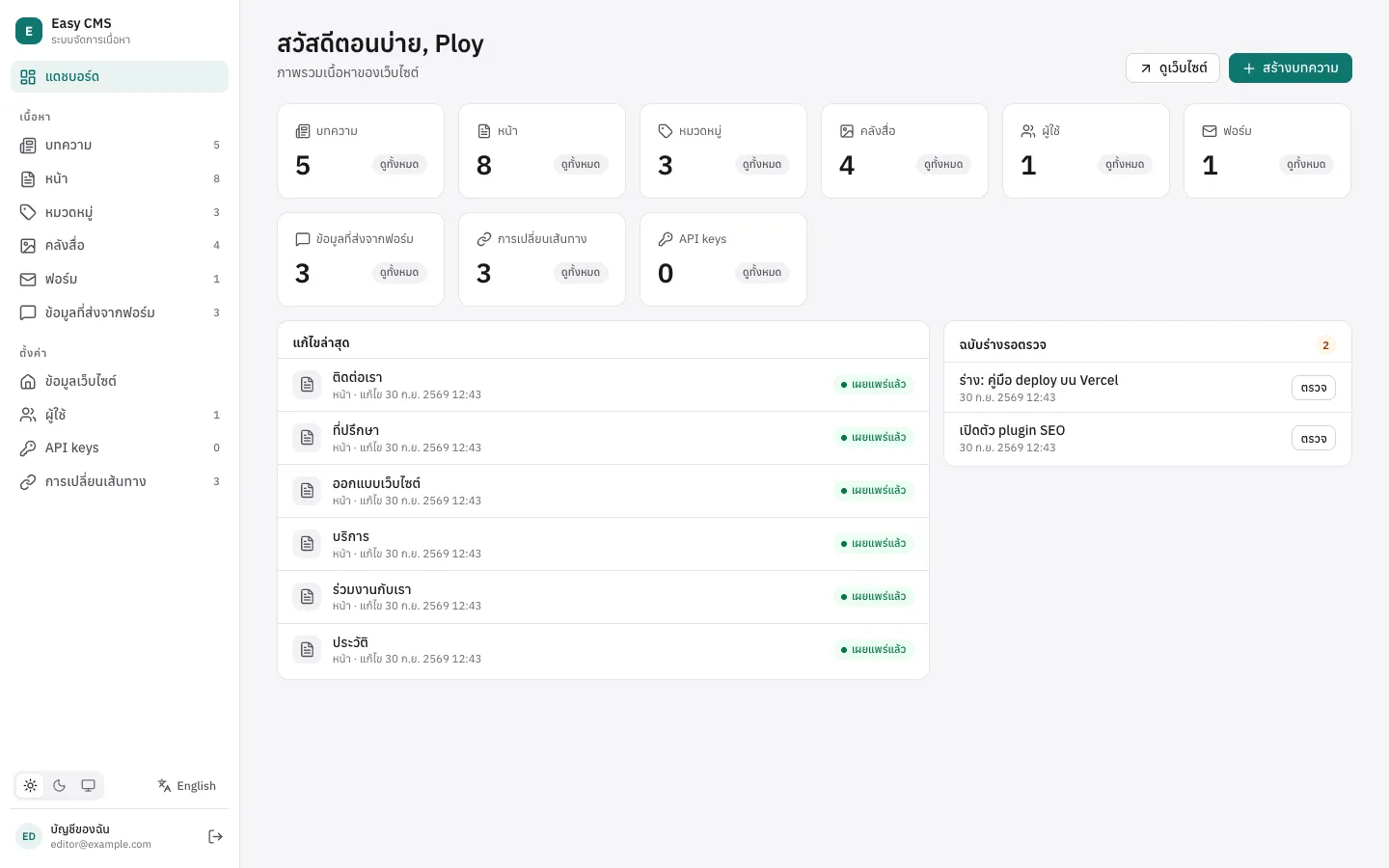
ที่ /admin ในแอปของคุณ บรรณาธิการได้ฟอร์ม ฉบับร่าง ประวัติ และตัวอย่างสด
ใช้ในหน้าเว็บ
อ่านเอกสารแบบมี type ด้วย Local API หรือผ่าน REST จาก frontend ใดก็ได้
export default defineEventHandler(async () => {
  const cms = await useEasyCMS()
  // type มาจาก config: post.title เป็น string
  const { docs } = await cms.find('posts', { sort: '-createdAt' })
  return docs
})Plugins
plugin คือฟังก์ชันที่ปรับ config เพิ่ม field, REST endpoint และ component ในหน้า admin ได้
SEO
@easy-cms/plugin-seometa tag พร้อมตัวนับความยาวและตัวอย่างผลการค้นหา sitemap, robots.txt, hreflang ข้อมูลแบบมีโครงสร้าง และ llms.txt สำหรับการค้นหาด้วย AI
คู่มือ →Form builder
@easy-cms/plugin-form-builderผู้แก้เนื้อหาสร้างฟอร์มเองในหน้า admin ข้อมูลที่ส่งมาผ่านการตรวจ ถูกเก็บ และแจ้งทางอีเมลผ่าน SMTP กันบอทได้ และ <easy-form> แสดงฟอร์มในหน้าเว็บใดก็ได้
คู่มือ →Redirects
@easy-cms/plugin-redirectsredirect 301 ที่ผู้แก้จัดการเองใต้ตั้งค่า และสร้างให้เองเมื่อ slug ของหน้าที่เผยแพร่แล้วเปลี่ยน
คู่มือ →หน้าย่อย
@easy-cms/plugin-nested-docsหน้าซ้อนในหน้า: แต่ละหน้ามีหน้าแม่ path เต็มและ breadcrumbs ที่ถูกต้องเสมอเมื่อหน้าด้านบนย้ายที่ และแสดงเป็นต้นไม้ในหน้า admin
คู่มือ →MCP
@easy-cms/plugin-mcpให้ผู้ช่วย AI อ่านและเขียนเนื้อหาผ่าน Model Context Protocol ด้วย API key ที่จำกัดว่าทำอะไรได้บ้าง
คู่มือ →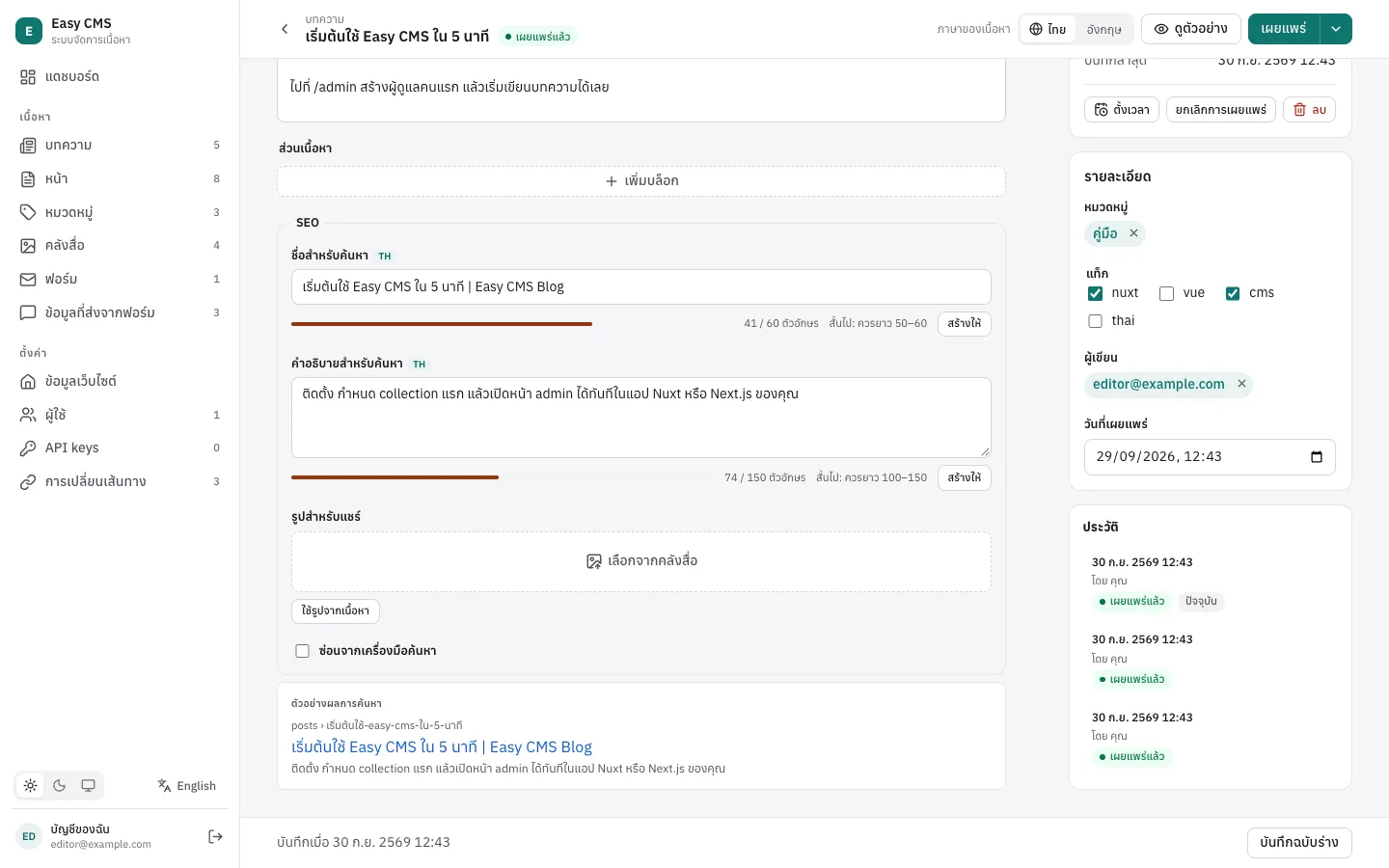
import { seoPlugin } from '@easy-cms/plugin-seo'

plugins: [
  seoPlugin({
    collections: ['posts'],
    generateURL: ({ doc }) => `/posts/${doc.slug}`,
  }),
]
// Pages: seoMeta(post), sitemap(cms), robotsTxt(), llmsTxt(cms)ทำไมต้องฝังในแอป
| Headless CMS แบบ SaaS | CMS ที่แยก server | Easy CMS | |
|---|---|---|---|
| ทำงานที่ไหน | cloud ของผู้ให้บริการ | แอปที่สองที่คุณต้องดูแล | ในแอป Nuxt หรือ Next.js ของคุณ |
| content model | คลิกสร้างใน UI | โค้ดหรือ UI | TypeScript อยู่ใน repo และผ่าน code review |
| ข้อมูลของคุณ | อยู่บน server ของเขา | ฐานข้อมูลของคุณ | ฐานข้อมูลของคุณ: SQLite หรือ Postgres |
| ต้อง deploy และจ่ายเพิ่ม | ค่าบริการตามผู้ใช้หรือจำนวนข้อมูล | server และฐานข้อมูลอีกชุด | ไม่มี |
| type ในหน้าเว็บ | generate จาก API | generate หรือแชร์กัน | สร้างจาก config โดยตรง |
ลองได้ใน 5 นาที
สร้างโปรเจกต์ เปิด /admin แล้วเขียนบทความแรก
npx create-easy-cms