
Your CMS, inside your app
Define content in TypeScript. Get an admin, typed APIs and plugins, with no separate server to run.
npx create-easy-cms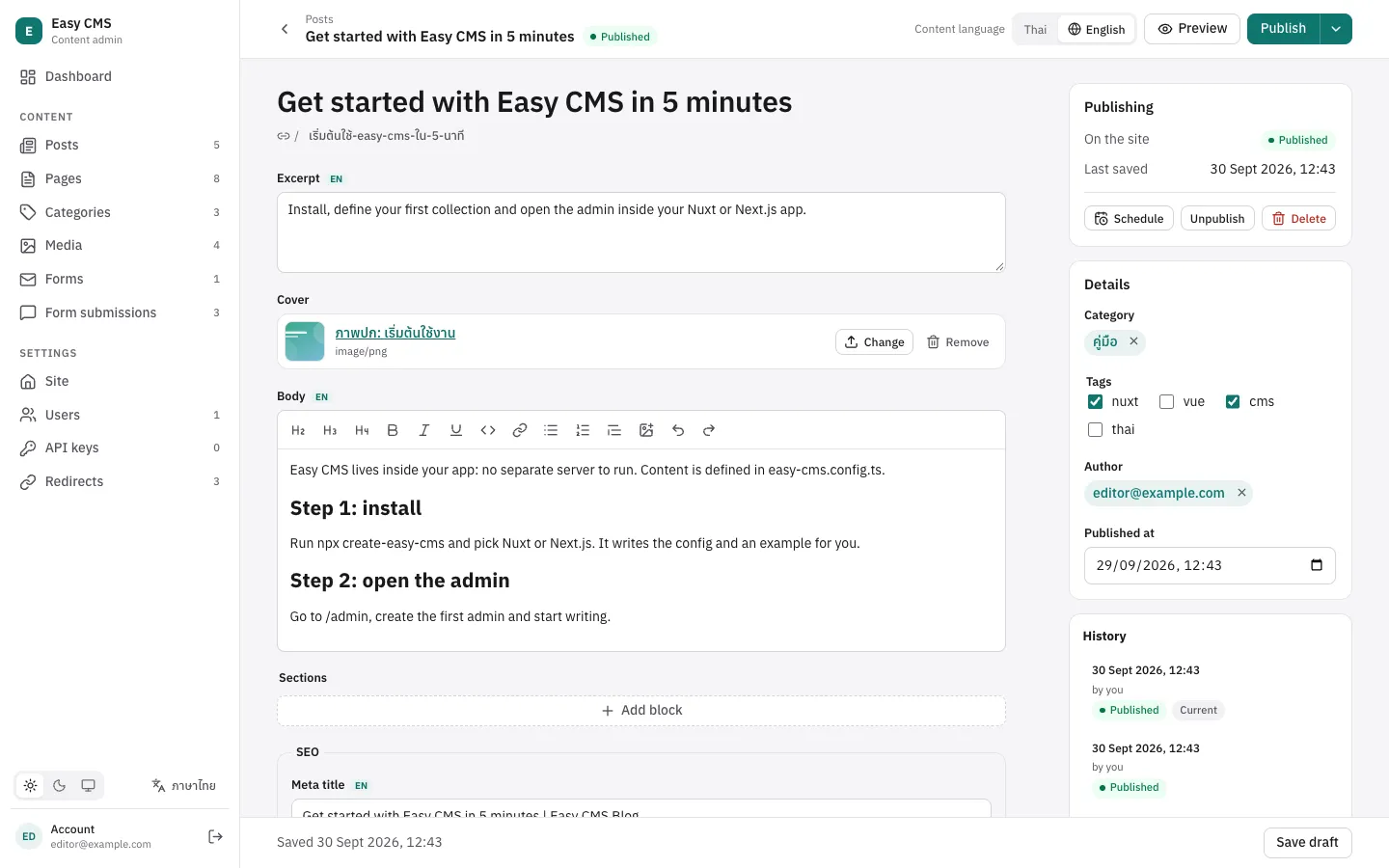
Everything a content team needs
Built in, not bolted on. No add-ons to buy, no second service to host.
Model your content
Fields and blocks
15 field types, groups, arrays and blocks for pages editors lay out themselves.
Rich text
A Tiptap editor with images from the media library, rendered to safe HTML.
Media library
Uploads with resized images, on disk or S3, Cloudflare R2 and MinIO.
Work as a team
Drafts and versions
Save drafts, keep the published page live, restore any earlier version.
Scheduling
Publish and unpublish at a set time, with a cron or the built-in timer.
Live preview
See unsaved changes on the real page, side by side with the form.
Ship it
Nuxt, Next.js or standalone
A Nuxt module, Next.js route handlers, or its own server for any frontend.
SQLite or Postgres
Start with a file, deploy on Postgres. Migrations are generated from the config.
Thai and English
The admin in both languages, and content in as many locales as you need.
Connect
API keys
Keys for scripts, other apps and AI assistants, limited to the collections they need.
Webhooks
Signed events on publish and change, retried for a day, to rebuild a static site.
SMTP or your own adapter, queued and retried, for forms and your hooks.
From config to content in three steps
Describe your content
Collections and fields in one TypeScript file. Types are inferred from it.
import { defineConfig } from '@easy-cms/core'
import { sqlite } from '@easy-cms/db-sqlite'

export default defineConfig({
  secret: process.env.EASY_CMS_SECRET,
  db: sqlite({ url: 'file:./cms.db' }),
  collections: [
    {
      slug: 'posts',
      drafts: true,
      fields: [
        { name: 'title', type: 'text', required: true },
        { name: 'slug', type: 'slug', from: 'title' },
        { name: 'body', type: 'richText' },
      ],
    },
  ],
})Open the admin
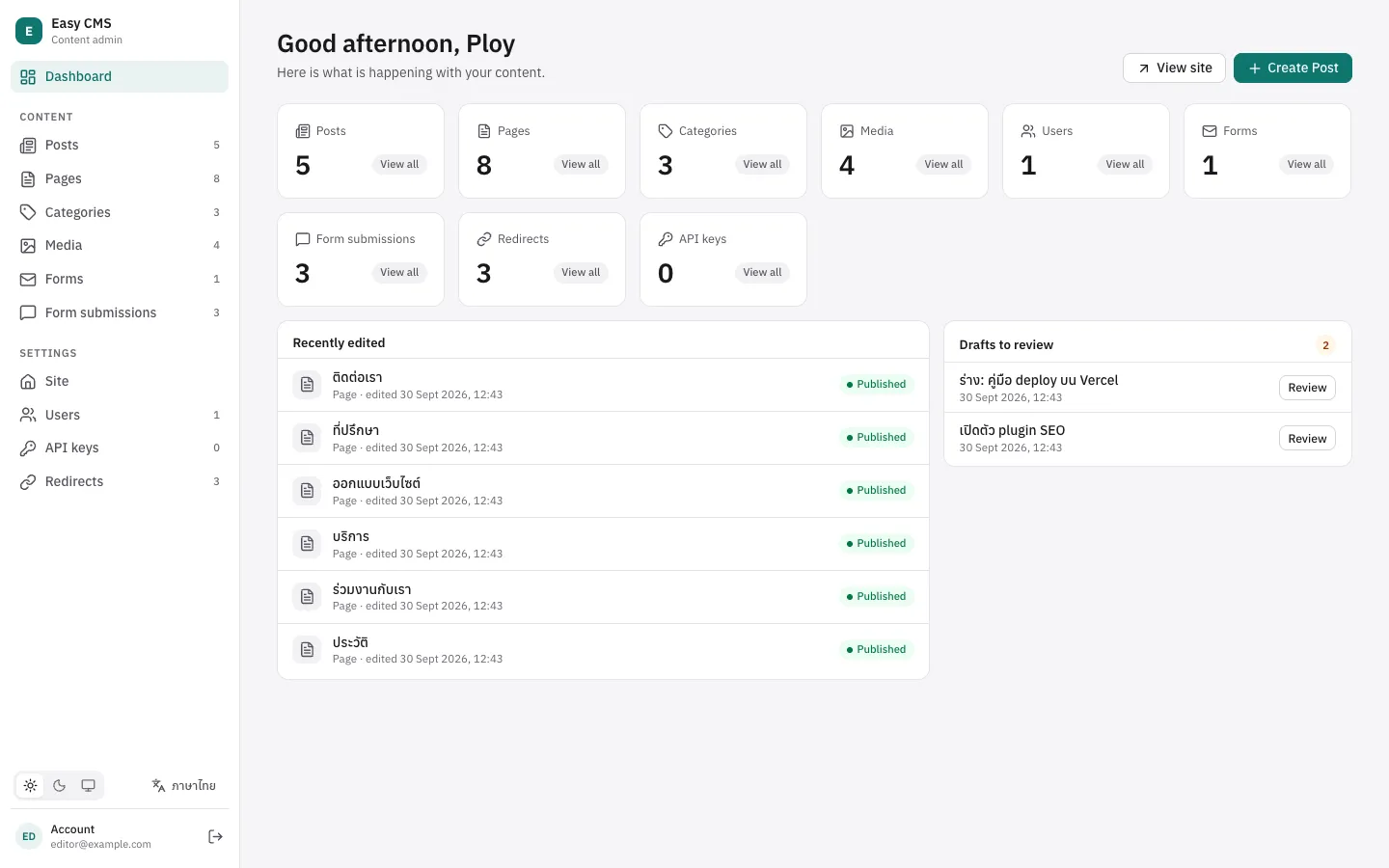
At /admin, in your app. Editors get forms, drafts, history and preview.
Use it on your pages
Read typed documents with the Local API, or over REST from any frontend.
export default defineEventHandler(async () => {
  const cms = await useEasyCMS()
  // Typed from the config: post.title is a string
  const { docs } = await cms.find('posts', { sort: '-createdAt' })
  return docs
})Plugins
A plugin is a function over your config. It can add fields, REST endpoints and admin components.
SEO
@easy-cms/plugin-seoMeta tags with length meters and a search preview, a sitemap, robots.txt, hreflang and structured data, and llms.txt for AI search.
Guide →Form builder
@easy-cms/plugin-form-builderEditors build forms in the admin. Submissions are checked, stored and emailed over SMTP, bots are kept out, and <easy-form> shows a form on any page.
Guide →Redirects
@easy-cms/plugin-redirects301s editors manage under Settings, and a redirect by itself when a published page gets a new slug.
Guide →Nested pages
@easy-cms/plugin-nested-docsPages inside pages: a parent for each page, its full path and breadcrumbs kept right when a page above moves, and a tree in the admin.
Guide →MCP
@easy-cms/plugin-mcpLet AI assistants read and write your content through the Model Context Protocol, with an API key that limits what they can do.
Guide →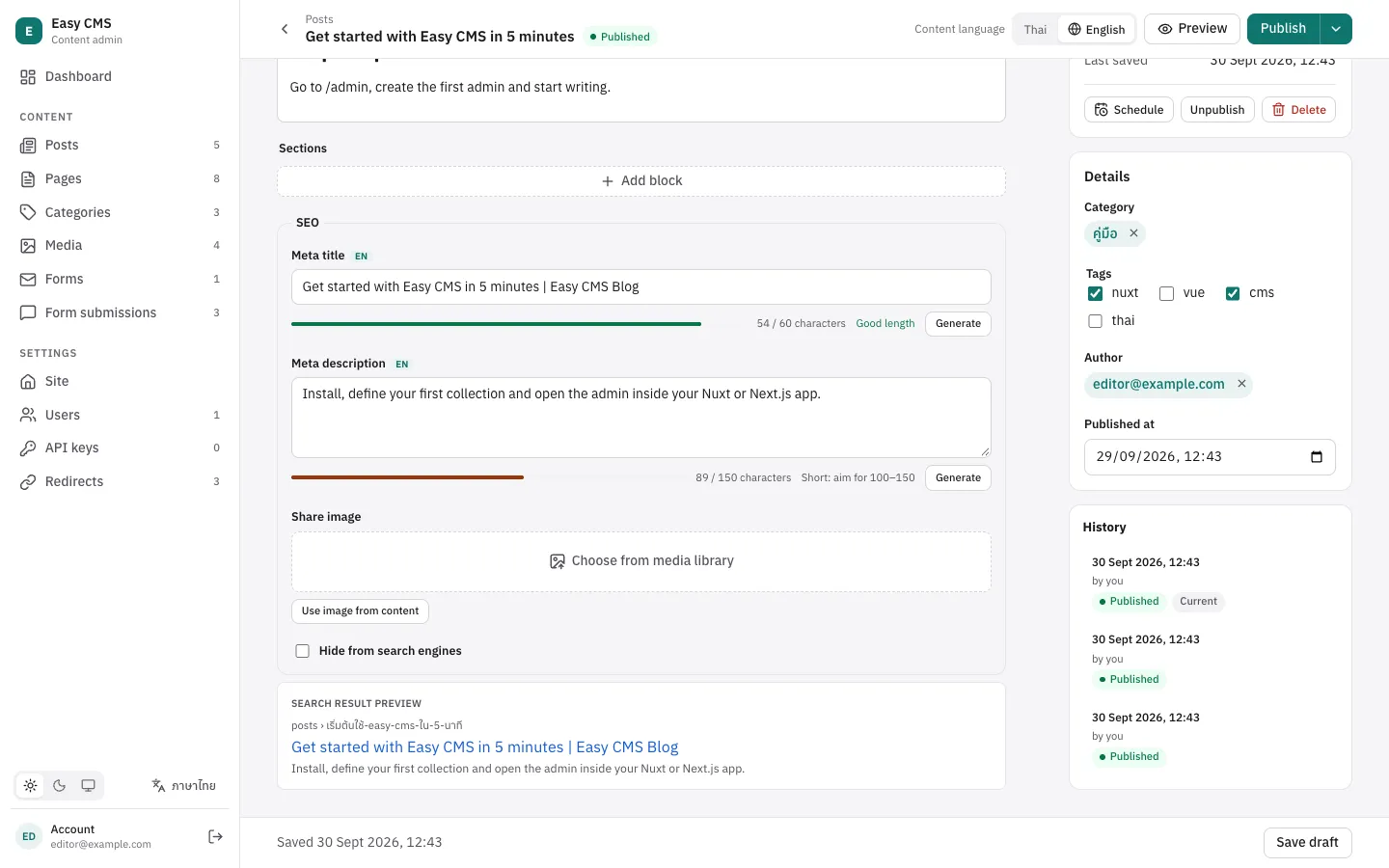
import { seoPlugin } from '@easy-cms/plugin-seo'

plugins: [
  seoPlugin({
    collections: ['posts'],
    generateURL: ({ doc }) => `/posts/${doc.slug}`,
  }),
]
// Pages: seoMeta(post), sitemap(cms), robotsTxt(), llmsTxt(cms)Why embedded?
| SaaS headless CMS | Separate CMS server | Easy CMS | |
|---|---|---|---|
| Where it runs | Their cloud | A second app you host | Inside your Nuxt or Next.js app |
| Content model | Clicked together in a UI | Code or UI | TypeScript, in your repo and reviews |
| Your data | On their servers | Your database | Your database: SQLite or Postgres |
| To deploy and pay for | A subscription per seat or record | Another server and database | Nothing extra |
| Types in your pages | Generated from an API | Generated or shared | Inferred from the config |
Try it in five minutes
Create a project, open /admin, write your first post.
npx create-easy-cms