
Getting started
What you'll learn
Add Easy CMS to a Nuxt or Next.js project (or run it on its own), create the first admin and read content in a page.
Before this page: What is Easy CMS?.
You need a Nuxt 4 or Next.js 15+ project and Node.js ≥ 22.12. Using another framework, or none? Run Easy CMS as a standalone server.
Add Easy CMS
In your project directory:
npx create-easy-cmspnpm create easy-cmsyarn create easy-cmsbun create easy-cmsIt detects Nuxt or Next.js, asks which database to use, installs the packages and:
- creates
easy-cms.config.tswith a samplepostscollection and asiteglobal - adds a random
EASY_CMS_SECRETto.env - ignores
cms.db,uploads/and.pglite/in.gitignore - Nuxt: adds
@easy-cms/nuxttomodules - Next.js: creates
app/api/cms/[[...path]]/route.tsandapp/admin/[[...path]]/route.tsand wrapsnext.config.tsinwithEasyCMS()
Options: --db sqlite|postgres, --pm npm|pnpm|yarn|bun, --yes (accept defaults), --skip-install. Running it again is safe. Commands on these pages have a tab for each package manager; the one you pick is kept.
Run it
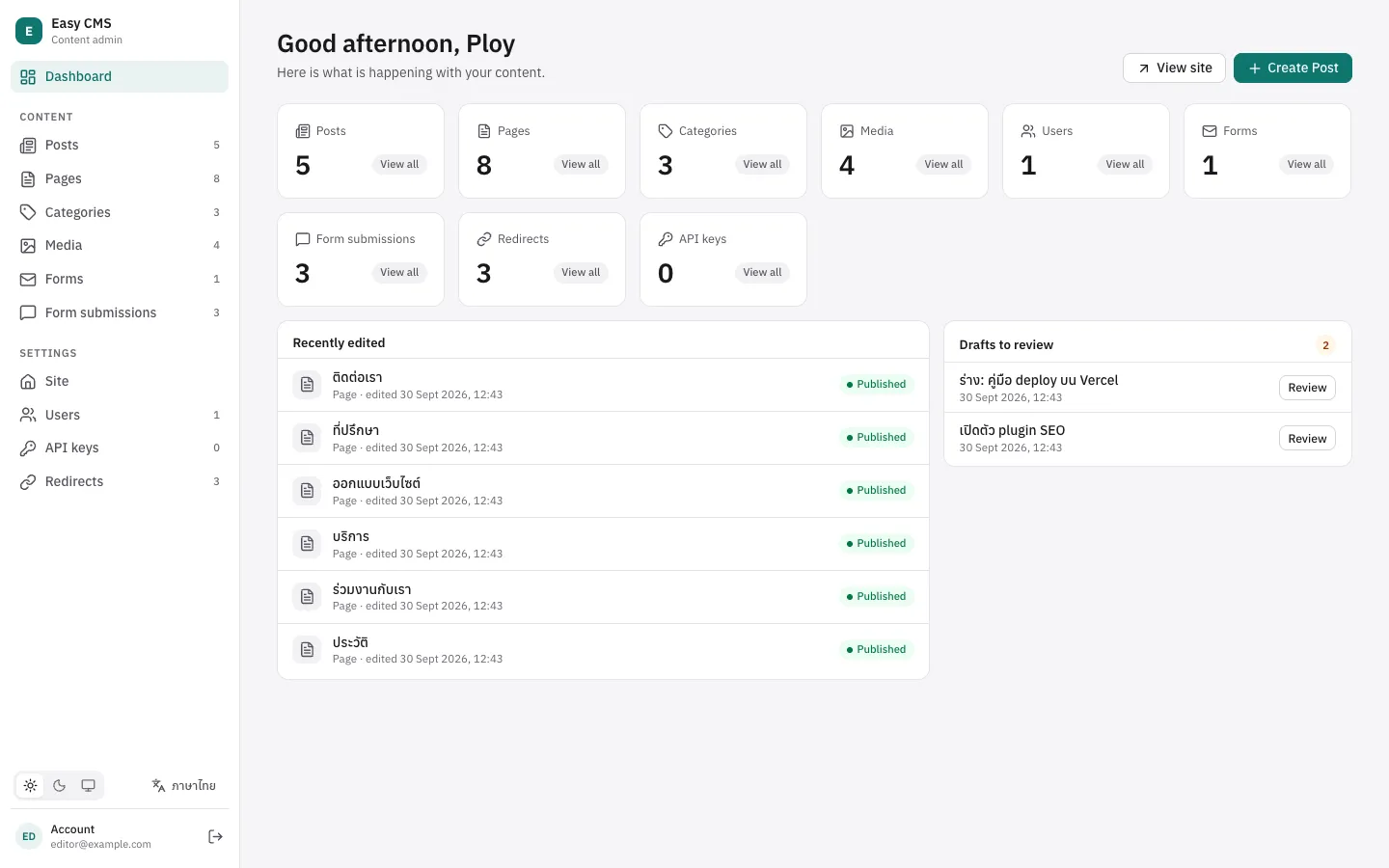
npm run devpnpm devyarn devbun run devOpen http://localhost:3000/admin. With no users yet, the admin asks you to create the first admin. You can also run npx easy-cms create-admin.
In development the database schema follows your config automatically. Edit easy-cms.config.ts, save, and the admin shows the new fields.
Read content
export default defineEventHandler(async () => {
  const cms = await useEasyCMS()
  return cms.find('posts', { sort: '-createdAt', limit: 10 })
})import { getEasyCMS } from '@easy-cms/next'
import config from '@/easy-cms.config'
export const dynamic = 'force-dynamic'
export default async function Home() {
const cms = await getEasyCMS(config)
const { docs } = await cms.find('posts', { sort: '-createdAt', limit: 10 })
return <ul>{docs.map((post) => <li key={post.id}>{post.title}</li>)}</ul>
}find returns only published documents by default, and post.title is typed as string because the config says the field is required text.
Next steps
- Model your content: Configuration and Fields
- Decide who can do what: Access control
- Before your first deploy: Migrations & deployment