
What is Easy CMS?
What you'll learn
What Easy CMS is, how its parts fit together, the words the rest of the guide uses, and when it is (and isn't) a good fit.
Easy CMS is a headless CMS you install into your Nuxt or Next.js app with npm. It runs inside your app's server, so there is no separate CMS service to host, pay for or keep in sync:
- You define content in code. Collections, fields, access rules and hooks go in
easy-cms.config.ts, which you review and version like any other code. - Editors get an admin at
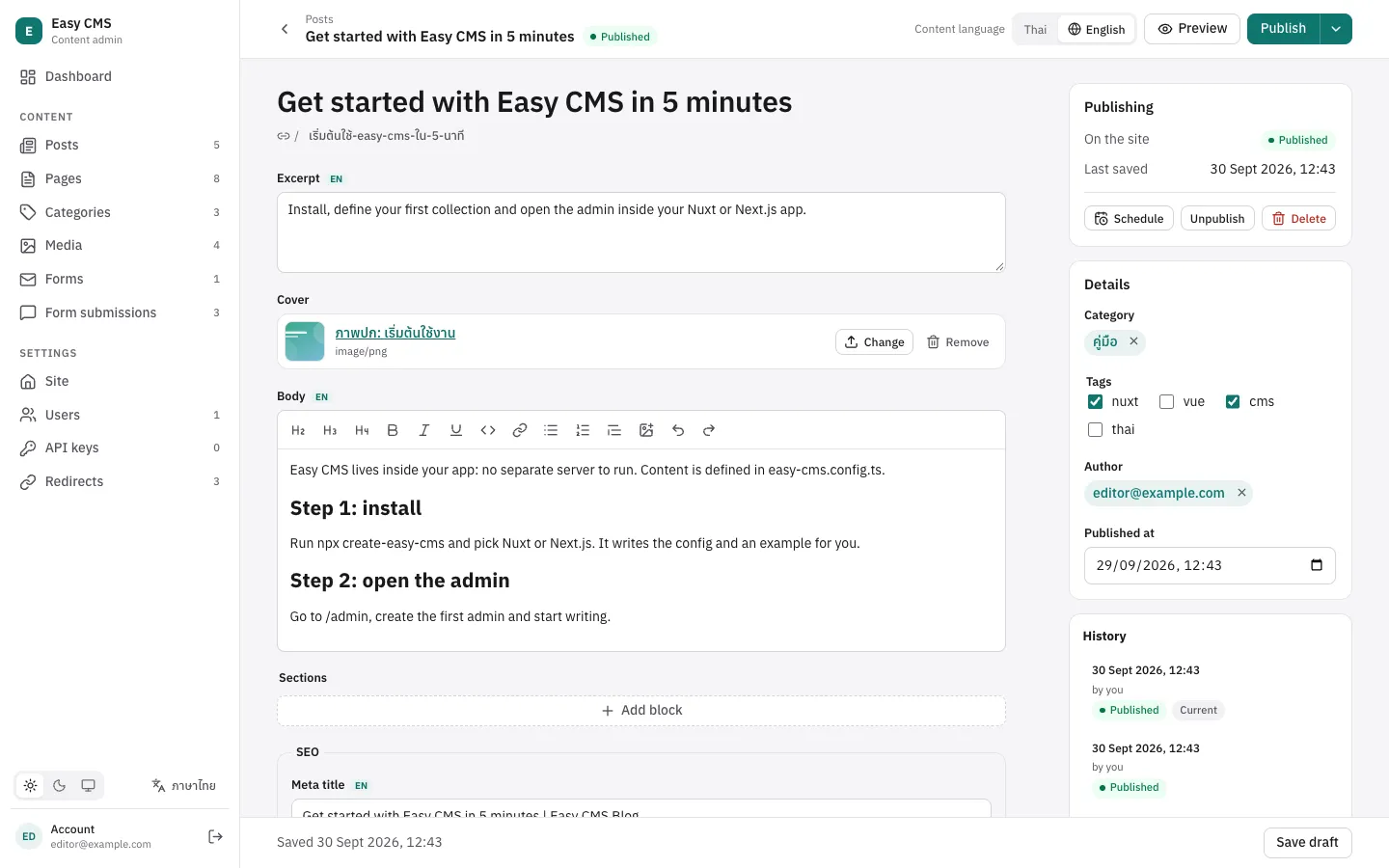
/admin: lists, generated forms, rich text, a media library, drafts, history, live preview, in Thai and English. - Your pages read content with the typed Local API on the server (
useEasyCMS()in Nuxt,getEasyCMS(config)in Next.js), and any client can use the REST API at/api/cms. - Data lives in your database: SQLite (a file, or Turso) or Postgres (a server, or PGlite for local development). Easy CMS only touches tables with its prefix (
ecms_).
How it fits together
┌────────────────── your Nuxt / Next.js app ──────────────────┐
│  pages ──► Local API (typed)      browsers ──► /api/cms      │
│  editors ──► /admin                                          │
│                  @easy-cms/nuxt | @easy-cms/next             │
│                        @easy-cms/core                        │
│          SQLite / Postgres (ecms_ tables) · uploads          │
└──────────────────────────────────────────────────────────────┘@easy-cms/coreholds everything that matters: the config, validation, access control, hooks, drafts, the Local API and the REST API. It is plain TypeScript on Web-standardRequest/Response, with no framework inside.- An adapter mounts it in your framework: the Nuxt module, the Next.js route handlers, or the standalone server for any other frontend.
- A database adapter (
@easy-cms/db-sqliteor@easy-cms/db-postgres) stores documents in real tables and columns, so you can still query them with SQL. - The admin (
@easy-cms/admin) is a prebuilt Vue app. You don't build it; it reads your config from the API and draws the forms.
Words used in this guide
| Word | Meaning |
|---|---|
| Collection | A type of content with many documents: posts, products, pages. |
| Global | A single document: site settings, a menu, a footer. |
| Field | One value of a document: a title, a date, an image. See Fields. |
| Document | One item in a collection, with an id, createdAt and updatedAt. |
| Draft | An unpublished version editors can keep working on. See Drafts. |
| Local API | Functions like cms.find() you call in server code. No HTTP involved. |
| REST API | The same operations over HTTP at /api/cms, for browsers and other apps. |
| Access rule | A function deciding who may read or change what. See Access control. |
| Hook | Your code that runs when documents change. See Hooks. |
| Plugin | A function that adds fields, endpoints or admin UI. See Plugins. |
When it fits
- You build sites with Nuxt or Next.js and want content editing without another service.
- You build with Vite, React, Vue or a static site generator and want a small, self-hosted CMS backend: run it as a standalone server.
- You like your schema in TypeScript and in git, reviewed in pull requests.
- You deploy one app server with a database (a VPS, a container, a platform like Railway or Render, or serverless with Postgres).
- Your editors work in Thai, English or both.
When it doesn't
- Editors must change the content model themselves without a developer: here the model is code.
- You need GraphQL, or edge runtimes (Easy CMS needs Node.js 22.12 or newer).
- You need a large marketplace of ready-made integrations today.
Next steps
- Getting started: add Easy CMS to a project in a few minutes.
- Configuration: every option of
easy-cms.config.ts.