
Health checks
What you'll learn
What the dashboard's Needs attention and System panels tell admins, and how to fix each problem they report.
Before this page: Deployment.
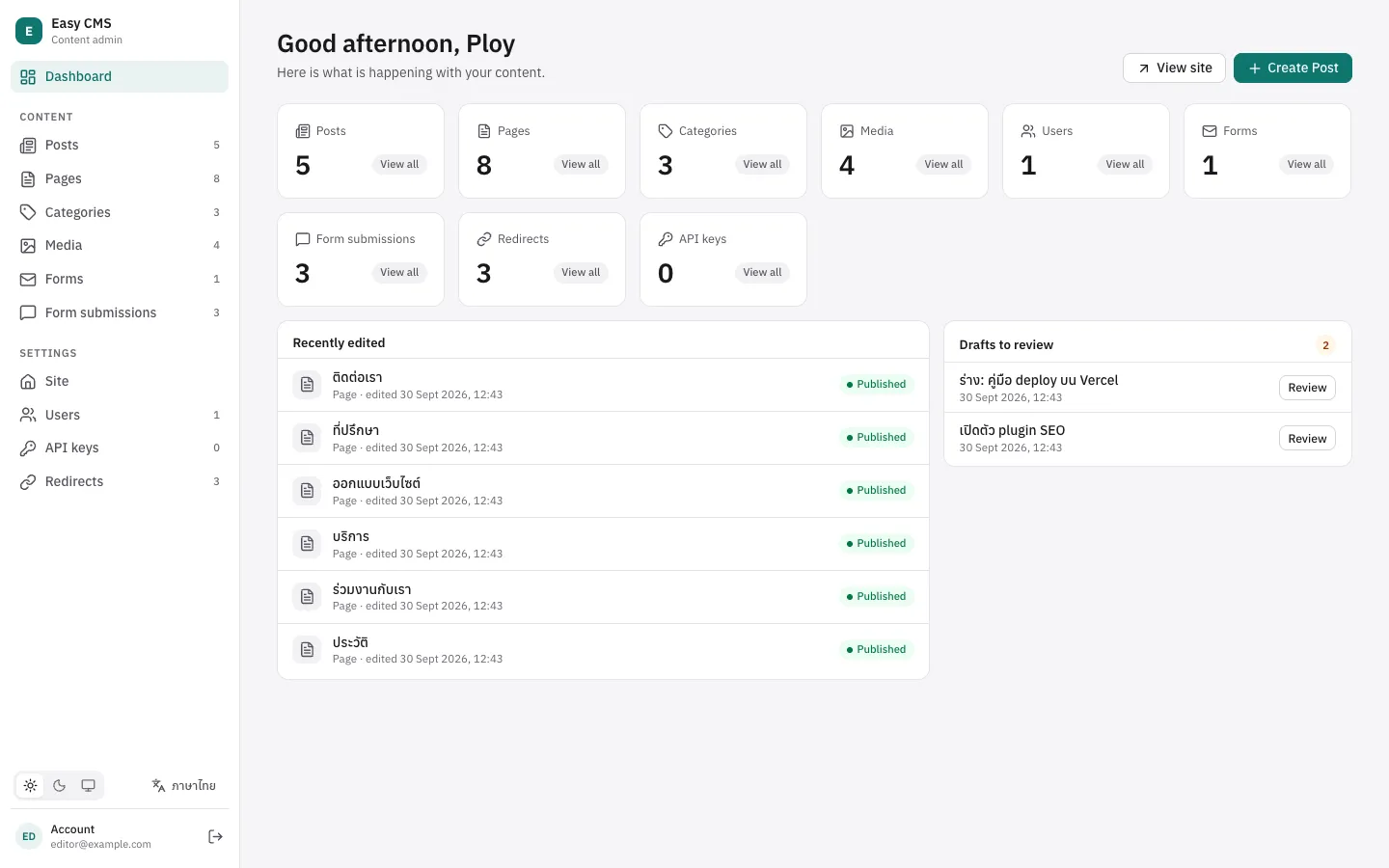
Admins see two panels on the dashboard that editors don't:
- Needs attention, at the top, only when something is wrong. Each line links to its section below.
- System, at the bottom of the side column: the Easy CMS version, the database, where files are stored, the email adapter, the plugins with their versions and the field types from packages. Handy when you report a problem or ask for help.
Both come from GET <api>/admin/status, for admins only (not for API keys). Easy CMS never checks for new versions on its own.
Failed webhooks
Shown when a webhook delivery failed for good in the last 7 days: every retry, over about a day, got an error. The panel shows how many, and the address that failed most.
Check:
- The receiving service is up and answers
2xx. Its last error is kept with the delivery. - The URL in
webhooksis still right (a redeployed build hook often gets a new address). - The receiver checks the signature with the same secret.
Once the receiver works, open Settings → Deliveries (the banner links there): each failed delivery shows what changed, the address, its last error and the body it sent, with Retry (one attempt now, with the same delivery id and a fresh signature) and Delete, one at a time or all at once. Failed deliveries are deleted after 30 days.
Emails not sent
Shown when an email has waited in the queue for over an hour, or failed for good in the last 7 days. See queued and retried.
Check the settings with Check the connection and Send test email on Settings → Email, and the failed emails in Settings → Deliveries → Emails (who to, the subject and the error; not the content), then:
- The SMTP settings (
SMTP_HOST,SMTP_USER,SMTP_PASSWORD) and that the server accepts this sender. Failures are logged with the server's answer. - On serverless hosts, that something runs the queue: a cron calling
<api>/jobs/run(as for late scheduled publishing).
Then Retry them there. Failed emails are deleted after 30 days.
Late scheduled publishing
Shown when a scheduled publish or unpublish is more than 10 minutes late. Nothing is running the jobs.
Fix: long-running servers (Nuxt, easy-cms serve, a self-hosted Next.js) run them every minute. On serverless platforms, call <api>/jobs/run every minute from a cron with Authorization: Bearer $CRON_SECRET, or run npx easy-cms jobs:run from one. The late jobs run on the next call, and so do webhook and email retries.
Backups
Shown when backups.every is set and the last scheduled backup failed, or no backup finished in two periods (two days, or two weeks). See its error on Settings → Backups; the usual causes are a full disk, storage that refuses the file, Postgres without backups.sqlite, or nothing running the jobs (as for late scheduled publishing). Then Back up now to check. See Backups.
Failed logins
Shown when the audit log is on and more sign-ins failed within the last hour than audit.failedLogins (default 20). Someone may be guessing passwords. Open the audit log filtered by sign-ins to see which emails and IP addresses; deactivate accounts under attack, or block the addresses at your host. Each email and IP is also locked after auth.maxLoginAttempts.
Audit log
Shown when audit log entries could not be written (the change went through; see the server log for why, often the database), or when the last integrity check found entries changed in the database. See tamper evidence.
No email
Shown when the config has no email. Without it there are no forgotten-password links, no invitations and no form notifications. Set one up: Email.
No serverURL
Shown when the site runs in production (NODE_ENV=production) without serverURL. Links in emails (forgotten password, invitations) need the site's public address, and in production Easy CMS doesn't trust the address in the request. Set serverURL: 'https://example.com' in the config.
Next steps
- Deployment: the checklist before going live.
- Plugins: how a plugin shows its name and version here.